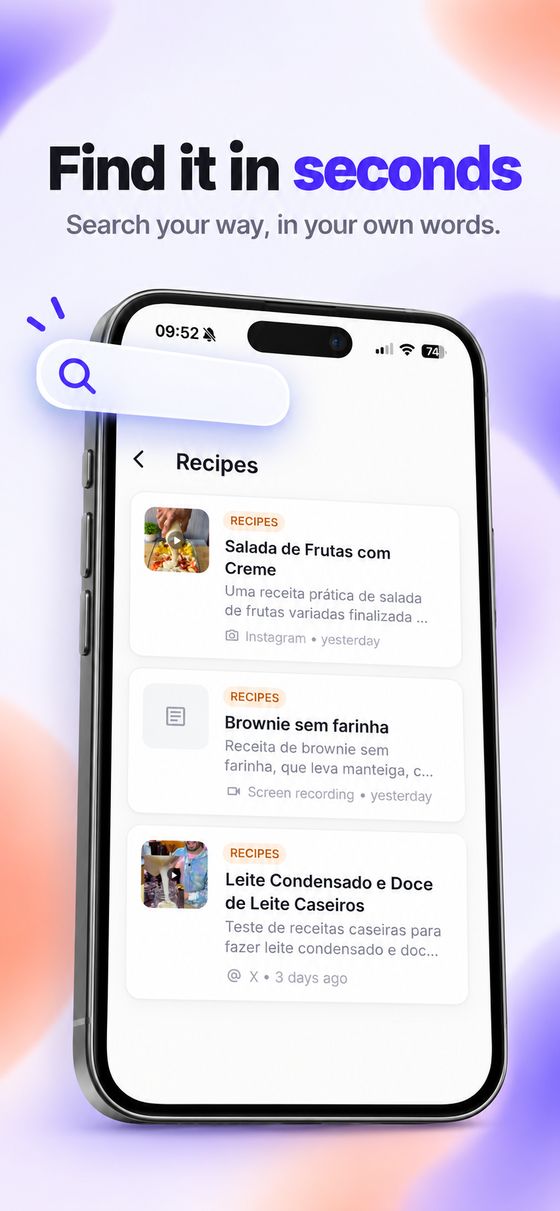
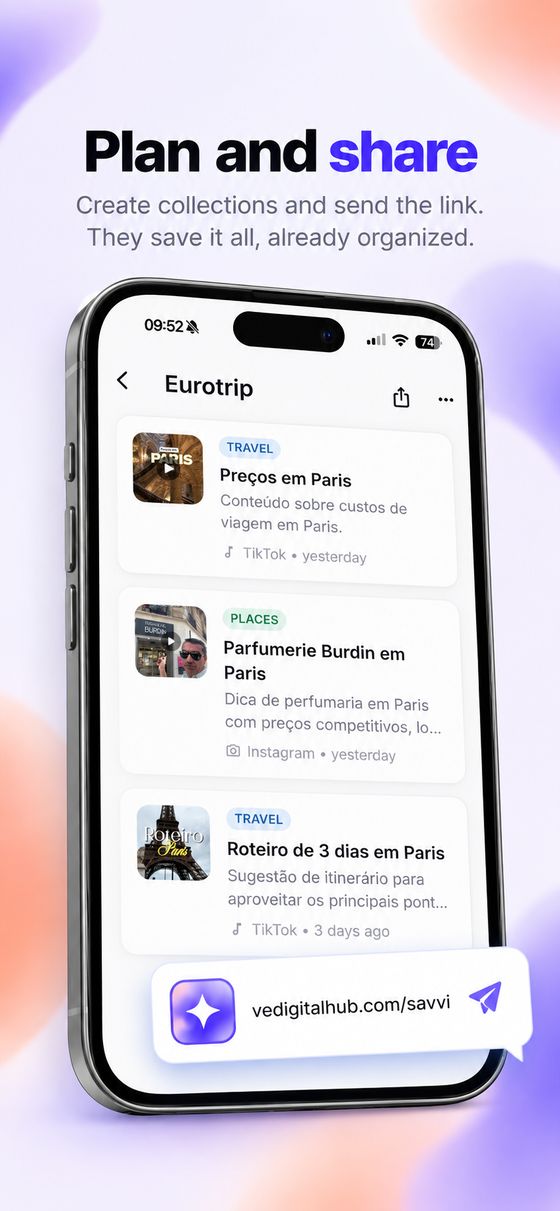
The reels, TikToks, videos, links and screenshots you keep for later become places on a map, recipes with a shopping list and ideas that are easy to find again.
Works with Instagram, TikTok, YouTube, X, websites and screenshots.
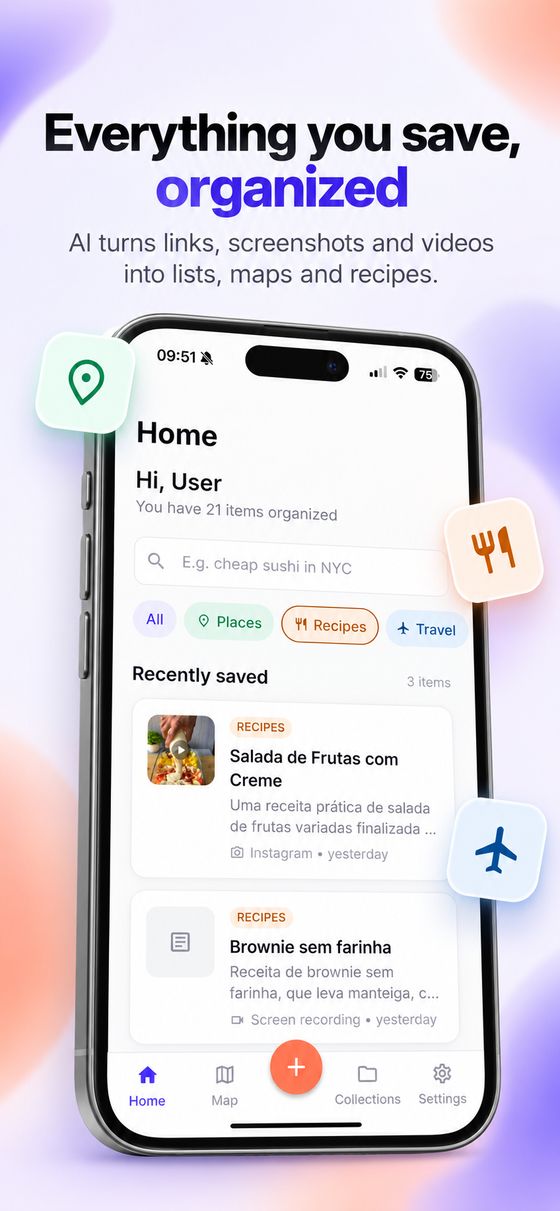
Everyone saves dozens of posts a week and never finds them again. In Savvi, every save becomes something you use.
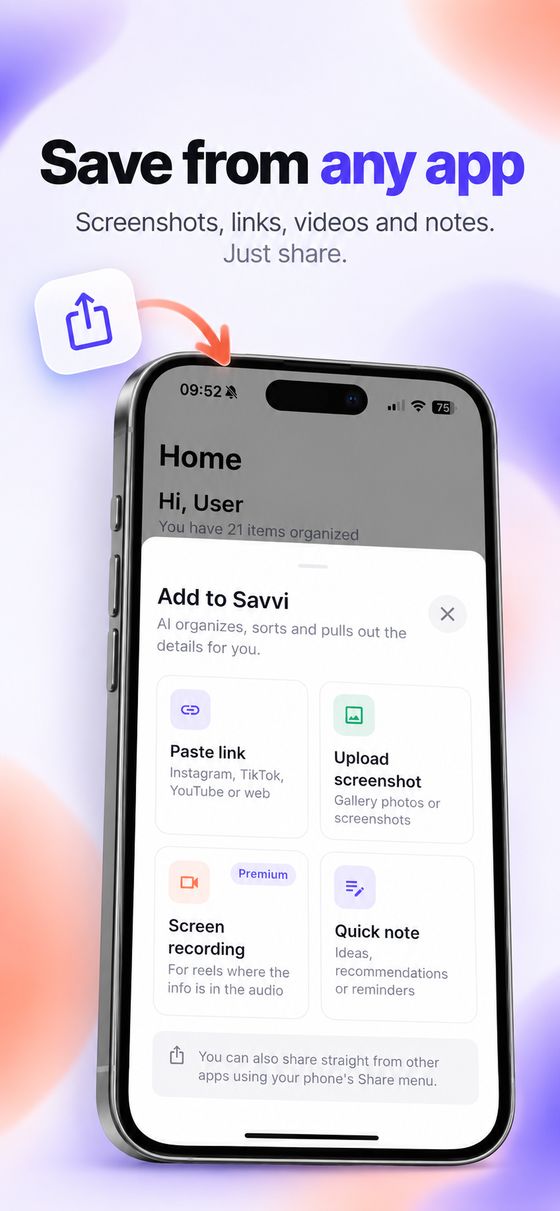
In Instagram, TikTok or any app, tap Share and pick Savvi. You don't even leave the app you're in.
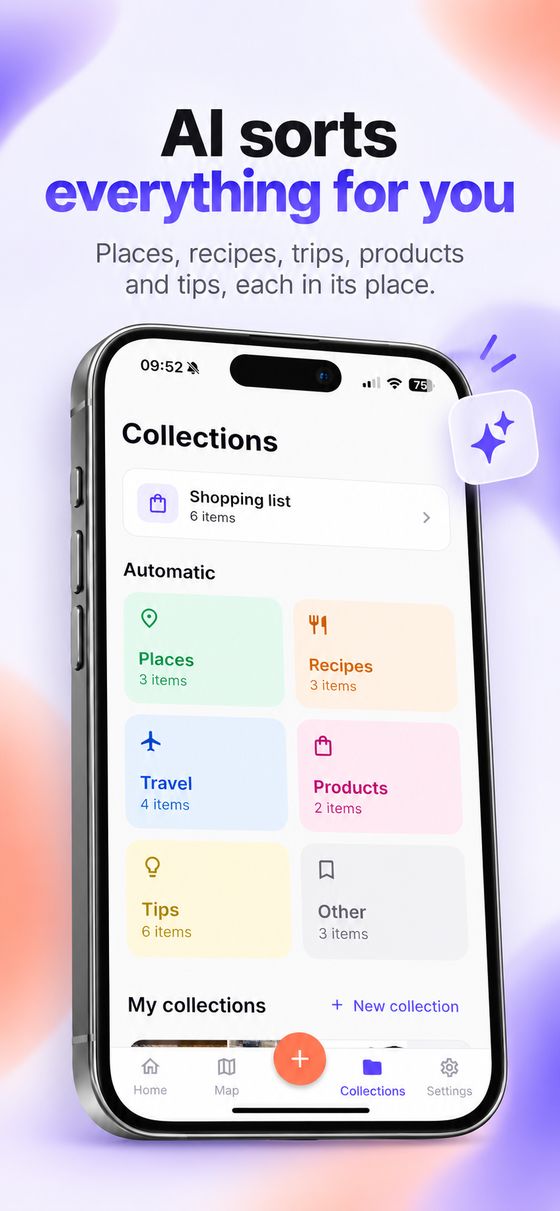
It understands the content, writes a title and a summary and files it under the right category: place, recipe, trip, product, movie, book…
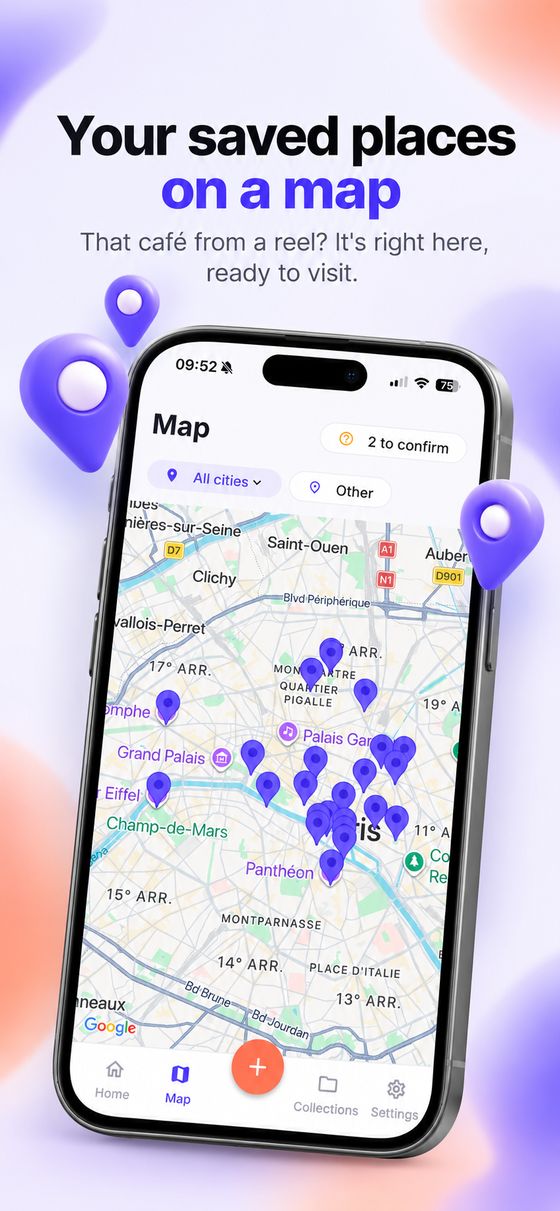
Places show up on the map, recipes send ingredients to the shopping list and everything can be found by searching the way you talk.
Restaurants, cafés and sights from a reel become pins on the map, with the address and directions in Google Maps.
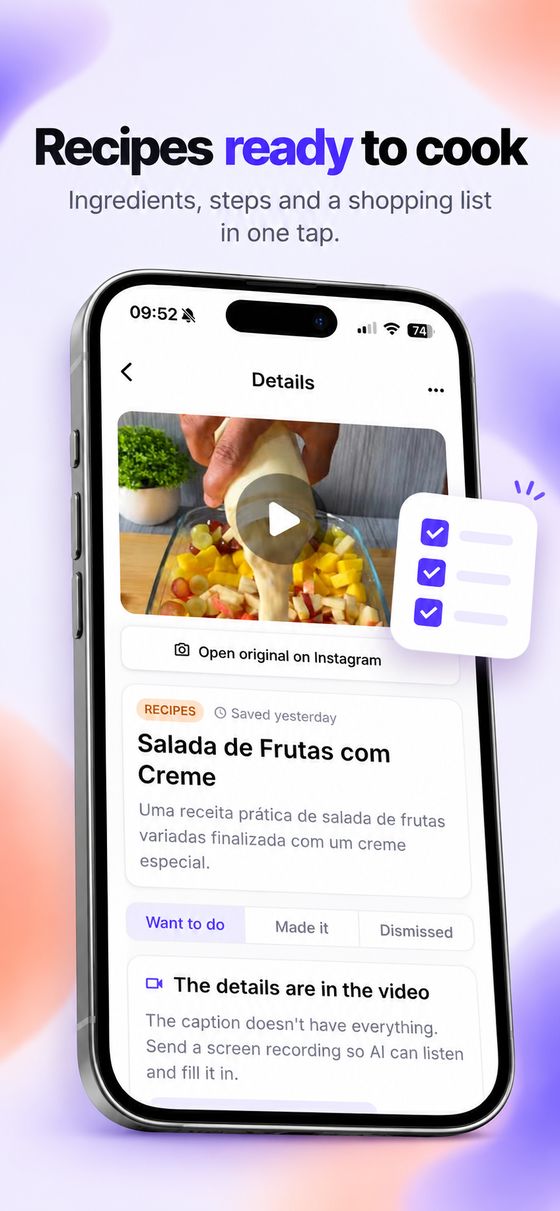
Ingredients and steps, neatly organized. Check what you already have and the rest goes to the list.
"Cheap sushi in NYC" finds the right post even without those words. With filters for category, city and source.
Automatic by category, and your own: "Lisbon trip", "Gift ideas", "Recipes this week".
Mark what you've done, bought or watched and keep track of what's still on your list.
When the recipe or place is only spoken, send a screen recording: the AI watches, listens and completes the item.
Premium


It only uses what is in the content. If a detail is missing, it asks instead of guessing.
What you save is used to organize your account, not to train AI models.
Export all your data or delete your account at any time, right in the app.
No. Savvi keeps the link and reads the post's public information (caption and cover). When the key details are only in the audio, you can send a screen recording, which is deleted right after the analysis.
No. On the free plan you can save as much as you like and the AI organizes 5 items a month. Map, recipes, shopping list and search work on both plans.
English, Portuguese and Spanish. The AI writes titles and summaries in the language you choose, even when the post is in another language.
In your App Store or Google Play subscriptions. Premium stays active until the end of the period already paid. There's a shortcut in the app's Settings.
In Settings › Delete account. See the account deletion page for details.